New: 154 shared photo labels for destinations – free to use and share.
See the labelsMedia
Find the right photo – fast
Media brings all of the destination's photos together – from Drupal, GuideDanmark and your own uploads. AI adds labels and writes texts in all your languages, and you can always see which photos you're allowed to use.

One library
Every photo in one place
Photos often live in several systems under different names and texts. In Media you search them all at once – and see where each photo comes from and where it is used.
Drupal
The whole media library with captions, photographer, copyright, restrictions and focal point – in every language. Changes can be sent back to Drupal.
GuideDanmark
The photos on your places and events, so you can search them too and see what is missing.
Your own uploads
Drag photos in, and they get a name, texts and labels on their own. Straight from an iPhone, too.
Partners' photos
Your partners upload photos to their own places, events and products in your partner portal.
Search & describe
Photos you can actually find
AI looks at every photo, adds labels and writes texts – so you find the right photo even if nobody has described it before.
Search
Search for what's in the photo
Type "vegetables" and find carrots, pumpkins and radishes – even when the word isn't in the caption. Search understands both the photo itself and its texts.
- Search by subject, mood or place – in plain words
- Copes with typos and also finds photographer, place and partner
- Filter by label, link, consent, restriction and age

Labels
Over 150 labels – set by AI
A shared set of labels in 14 groups, made together with Danish destinations. AI asks one question per label – does it fit? – and only the certain ones are set.
- Every label has a description of when it fits
- Edit the descriptions, turn labels off or add your own
- Labels you chose yourself are never changed
- Labels can be sent back to Drupal
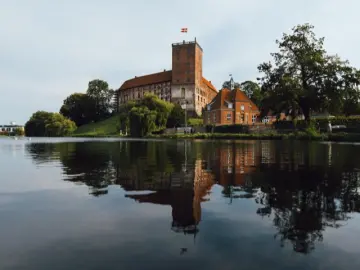
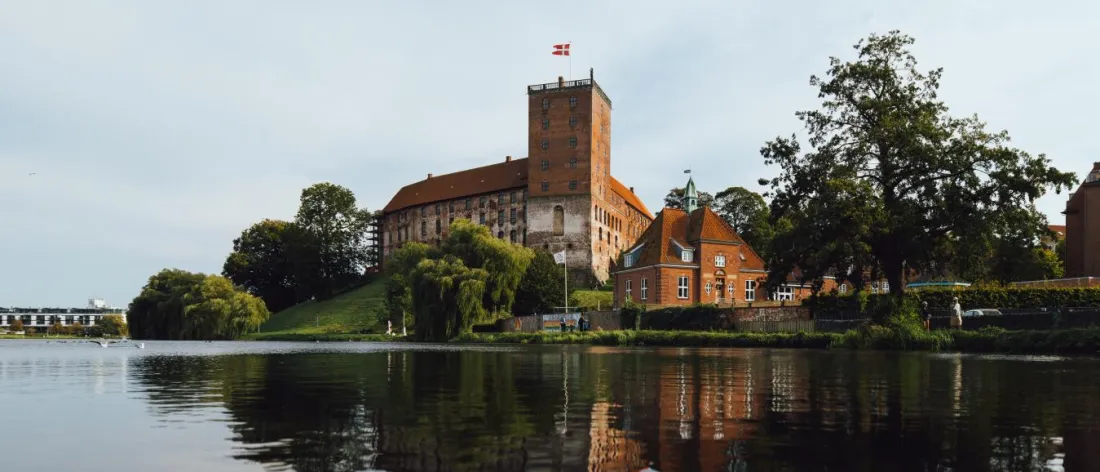 Photo: Evolumina
One question per label
- Does “Castle and manor house” fit? Yes
- Does “Lake” fit? Yes
- Does “Beach” fit? No
- Does “Museum and exhibition” fit? Yes
- Does “Lighthouse” fit? No
Labels
14 groups
Texts & translations
Caption, description and translations on their own
When a photo arrives in Media, AI writes a descriptive name, a caption and a description – and translates them into all your languages.
- The caption doubles as alt text on your website
- Descriptive names instead of IMG_6623.jpg – good for search engines and AI assistants
- Translated again when you edit the text
- Photographer and copyright are never guessed
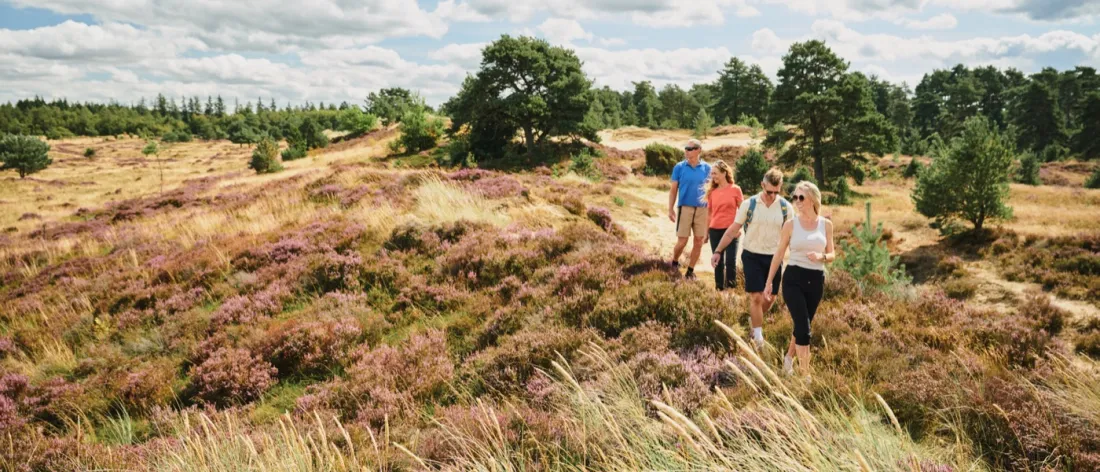 Photo: Frame & Work
Caption
Description
Translations
Rights & quality
Use your photos with peace of mind
See photographer, copyright, consent and restrictions on every photo – and catch the ones missing something before they are used.
Rights
Consent, media terms and restrictions
Your partners accept your media terms, and every photo shows whether there is consent – and whether it covers the latest terms.
- Media consent and extended media consent at two levels
- Photos without consent are never sent to Drupal or GuideDanmark
- Restrictions with a comment, also from Drupal
- The AI agents only use photos you are allowed to use
Rights
Extended media consentPhotographer
Copyright
Media terms
Restricted
Only for the summer campaign – agreed with the photographer.
Missing
See at once what is missing
Photos without a caption, photographer or consent are marked "Missing" – so you can fix them before they are used.
- Missing caption, photographer and consent are flagged
- Restricted and rejected photos are clearly marked
- Table view with every field and export to CSV or PDF
Missing details
- Breakfast buffetNo photographer
- IMG_6623.jpgNo caption
- The farm shopNo consent
Partners' photos
More and better photos in GuideDanmark
Your partners upload photos to their own places and events. AI checks them against your guidelines, and the approved ones are sent to GuideDanmark.
Validation
With self-serviceAI checks the photos before they go further
When a partner uploads a photo, AI checks it against your guidelines. Approved photos get texts, labels and translations – rejected ones get a friendly reason.
- Your guidelines are shown to the partner while they upload
- The size is checked so the photo fits GuideDanmark
- Approved photos go to GuideDanmark with texts in Danish, German and English
- You can always approve a photo yourself
New photos from partners
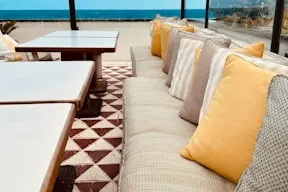
The terrace in summer
Hotel Fjordly
Approved · sent to GuideDanmark with texts in Danish, German and English
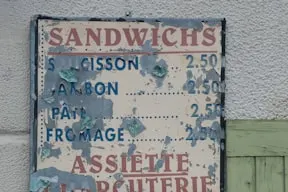
Summer menu 2026
Restaurant Havkanten
Rejected · the photo has prices and text in it. A photo of the dish without text would work.
Sharing
Share the right photos with the right people
Put selected photos in collections – for press, cruise, partners or a campaign – and decide who can see them.
Own page
Show the collection on a page in your design
Give a collection its own page in your colors and fonts – a press room, a photo library or a campaign. The page follows the collection, so new photos appear on their own.
- Templates for press room, photo library and campaign
- Caption, photographer and restrictions next to every photo
- Download one photo or up to 100 originals at a time
Press room
Photos for press and media


Bølgen in Vejle
Photo: Evolumina
© Destination Trekantområdet
And more
Built for destinations
Drupal and GuideDanmark
Edits in Media can be sent back to Drupal, and the photos on your places and events go to GuideDanmark.
Linked to places and events
AI suggests which place, event or partner a photo shows.
Cropping and focal point
Photos for GuideDanmark are cropped to 16:9, and the focal point from Drupal comes along.
Gallery and table
Browse the photos in a gallery, or edit texts, photographer and copyright in a table.
Ask AI to do it
Pick photos and ask Zublime's AI assistant to fix or translate their texts.
Find the old photos
Filter for photos older than 1, 3 or 5 years, so you can replace them.
Want to see your own photos in Media?
We bring in the photos from your Drupal and GuideDanmark and show you how they look with labels and texts.
Book a demo